Short on time?
The 13 sections below are covered step by step in our free 18-page playbook.
What is a Google Business Profile
It is the free listing that appears when someone searches for your business, or for a service near them, on Google Search and Maps. It shows your name, location, hours, photos, reviews and the quickest ways to contact you.
For many local businesses it is the first thing a customer sees, often before they ever reach your website.
- Maple & Wrench Plumbing4.9
- Northside Pipe Co.4.7
- Quick Fix Plumbing4.4
Why it matters for local customers
- You show up where people decide. Searches like “plumber near me” are answered with a map and a short list of businesses.
- It builds trust before the first call. Reviews, photos and clear hours answer the questions people have before they get in touch.
- It makes contact effortless. A call, directions or booking link is one tap away.
The 13 sections of the playbook
Work through them in order. Each one is a part of your profile that customers and Google read. The full playbook adds the step-by-step instructions, pro tips and examples for each.
- 01
Business Information
Accurate core details that power your local visibility.
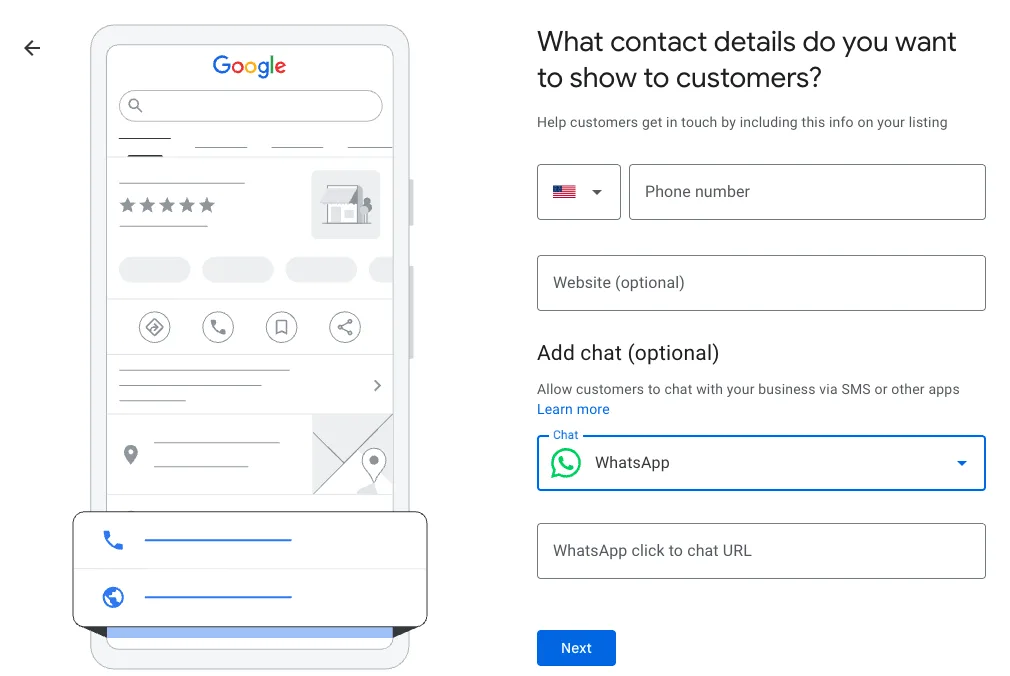
Add your phone number and website so customers can reach you. 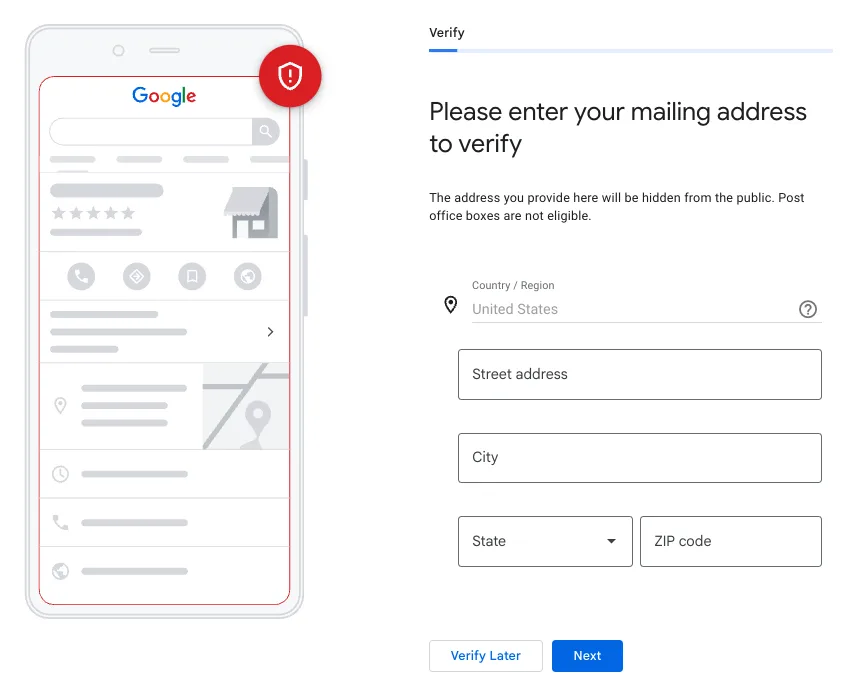
Verification starts with a mailing address that stays hidden from the public. - 02
Business Category
Choose the right categories to reach the right searches.
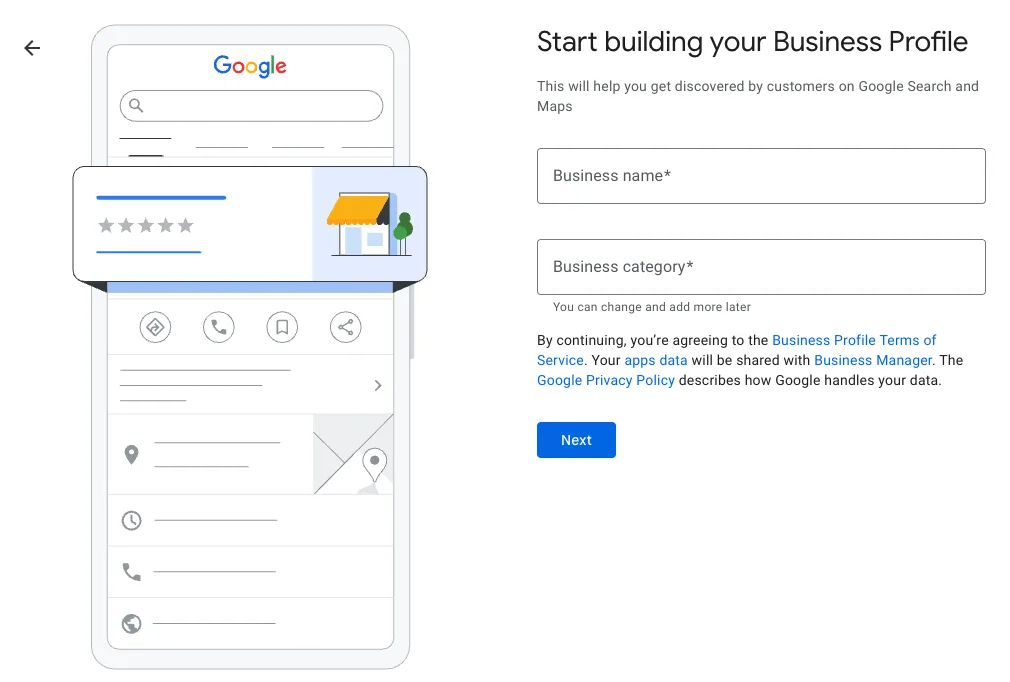
The first screen asks for your business name and main category. - 03
Business Description
Communicate your value proposition in 750 characters.
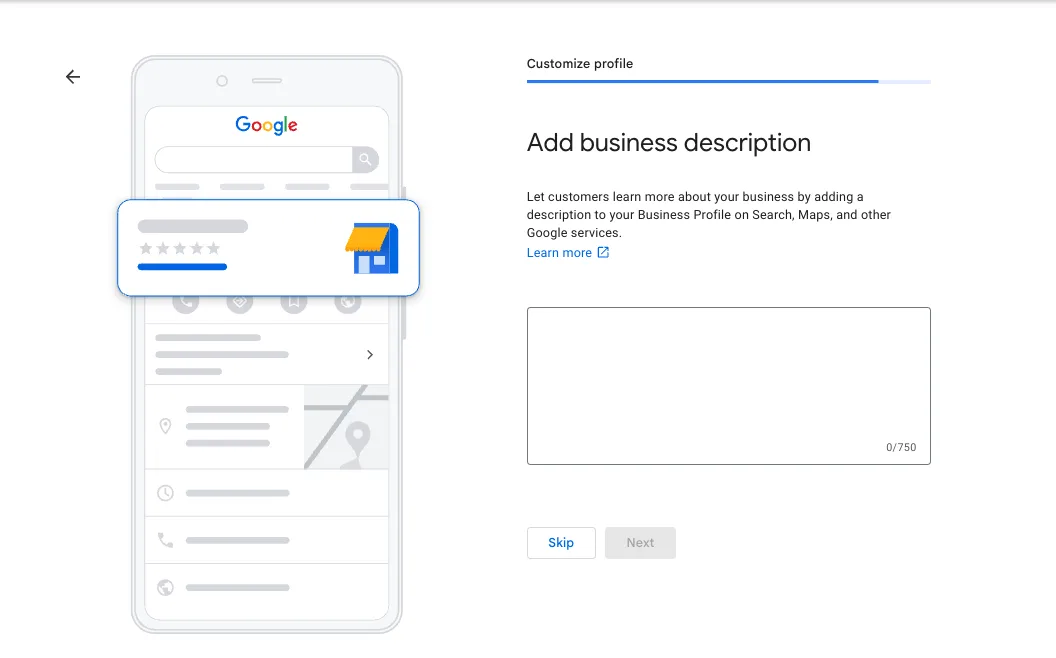
The description box allows up to 750 characters. - 04
Business Hours
Publish accurate hours, including public holidays.
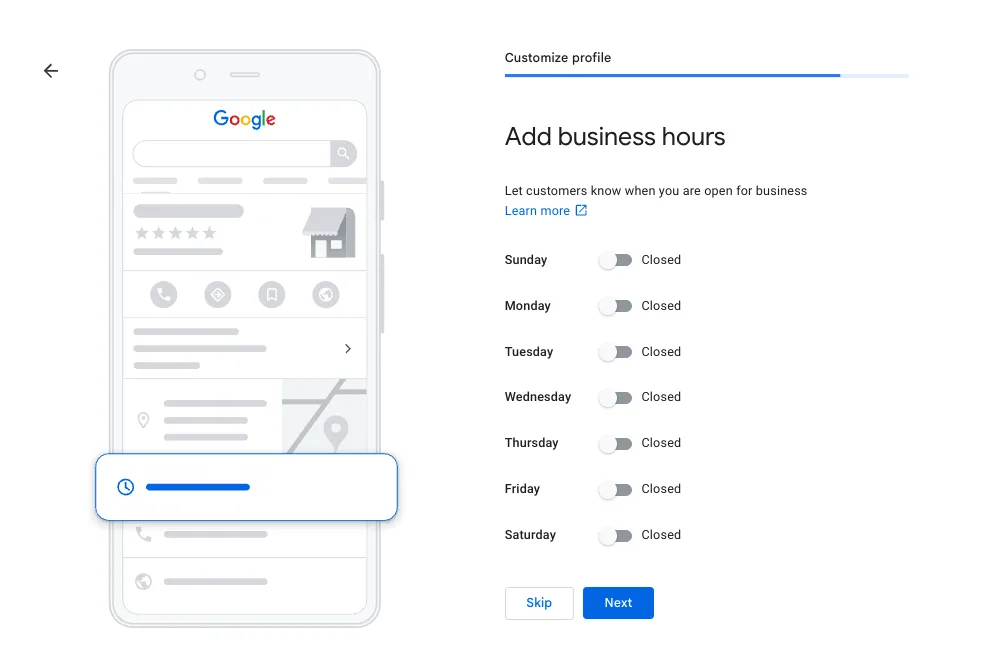
Set your hours for each day. Days left off show as closed. - 05
Set Your Service Area
Define where you operate for local discovery.
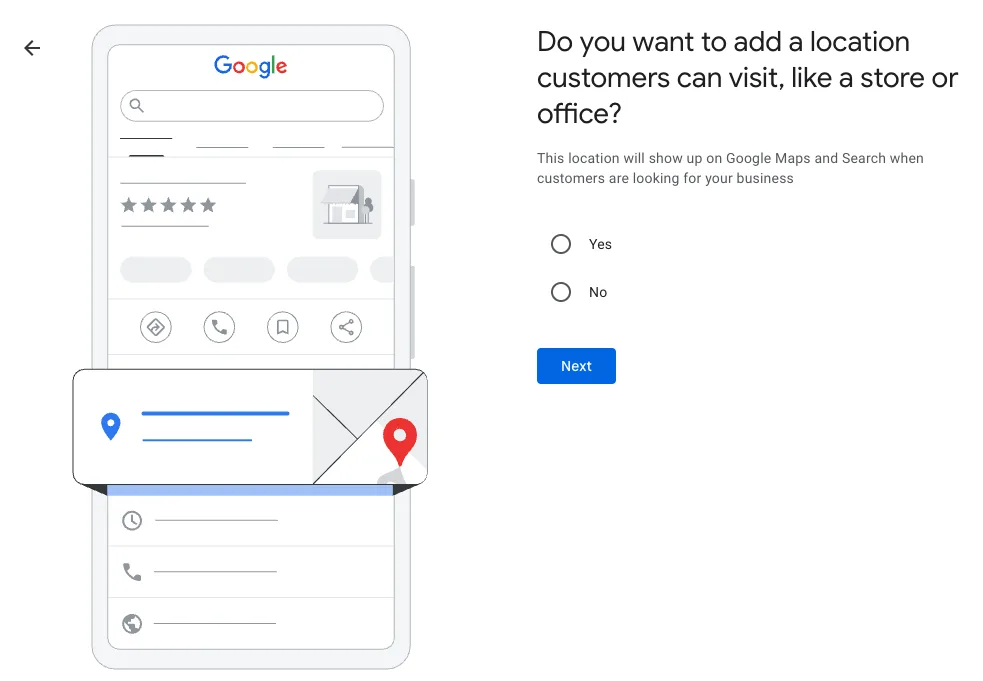
Choose Yes if customers can visit you in person. 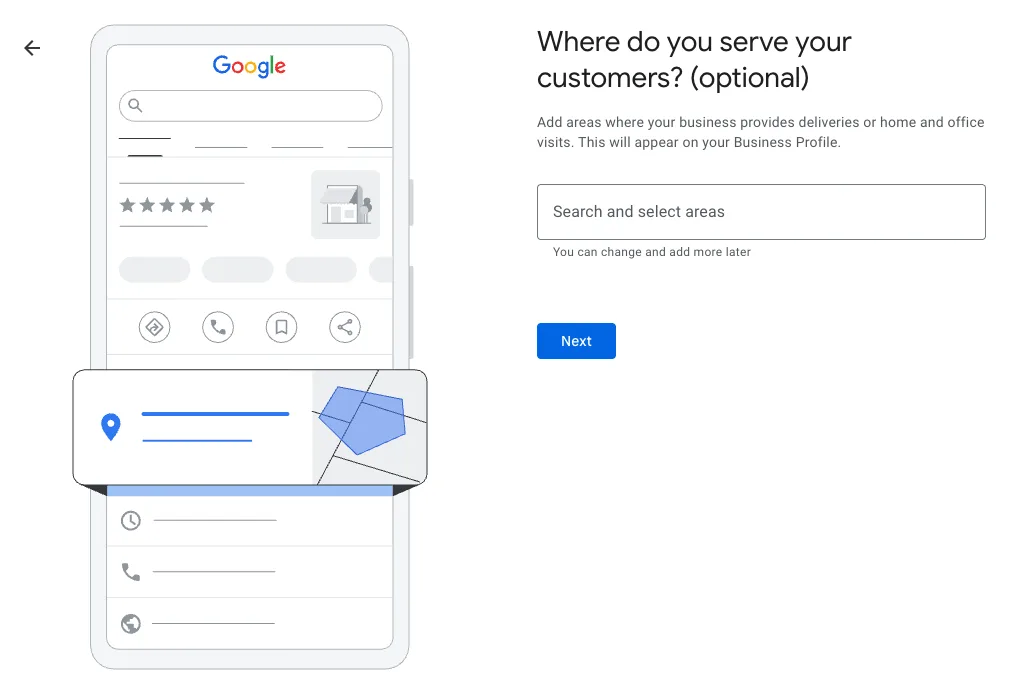
If you travel to customers, add the areas you serve. - 06
Add Business Attributes
Highlight amenities customers actively filter for.
- 07
Manage Your Offerings
Keep services, menus, and pricing current.
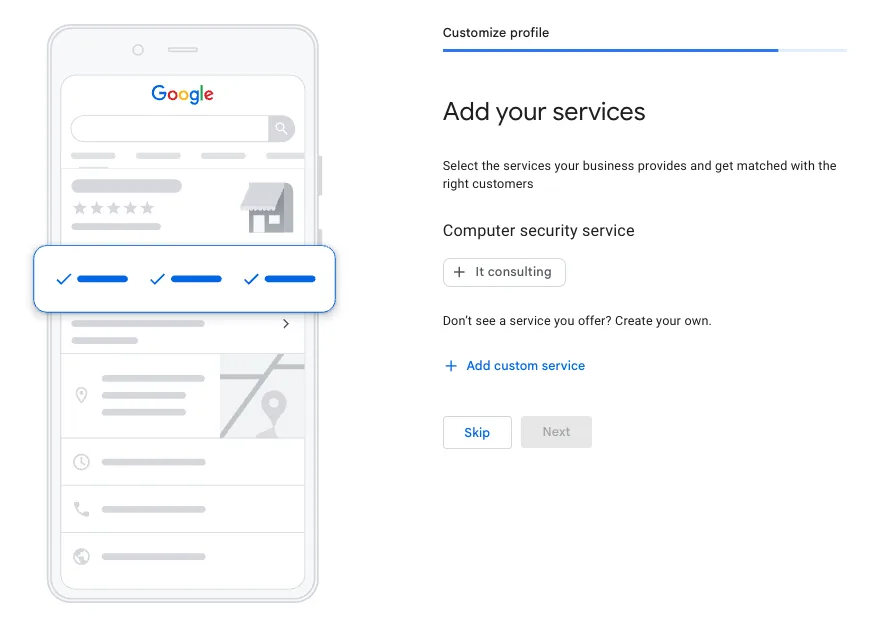
Pick the services you offer, or add your own. - 08
Add Photos and Videos
Visual content that converts browsers into visitors.
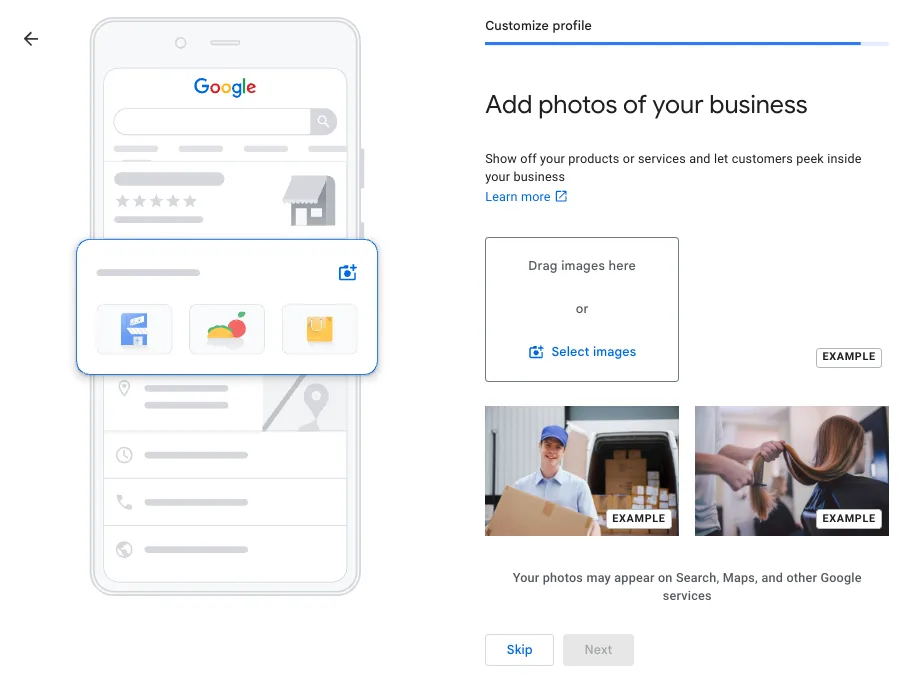
Upload clear photos of your work, team and premises. 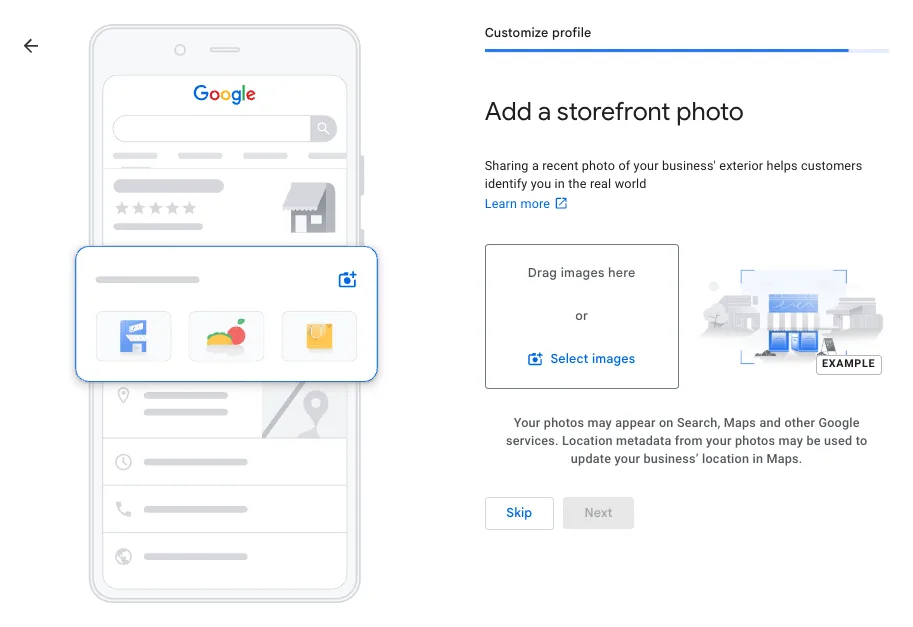
A recent storefront photo helps customers recognise you in person. - 09
Create Google Posts
Real-time updates, offers, and events that drive action.
- 10
Add Social Links
Connect your social accounts for broader reach.
- 11
Add Chat: WhatsApp & SMS
Let customers message you directly from Google.
- 12
Accept Bookings & Orders
Reduce friction and drive more confirmed bookings.
- 13
Manage and Respond to Reviews
Build a reputation that converts every search.
SKSam K.
Showed up on time, explained the fix and left the place spotless. Would call again.
Reply from the owner
Thanks, Sam! We're glad it went smoothly. See you next time.
Illustration: a review with an owner reply. Names are made up.
Screenshots: Google Business Profile setup screens. Google changes these from time to time, so yours may look slightly different.
Your full optimisation checklist
A complete profile works around the clock, showing your business to nearby customers who are actively searching. Tick off all 13.
- 1. Business Information. Every core detail current and consistent across all platforms.
- 2. Business Category. Right primary and secondary categories so Google surfaces you correctly.
- 3. Business Description. A focused, keyword-informed description that communicates value.
- 4. Business Hours. Accurate opening hours, including holiday and special hours.
- 5. Set Your Service Area. Define the geographic region you serve for local searchers.
- 6. Add Business Attributes. Highlight amenities such as free parking, wheelchair access, or Wi-Fi.
- 7. Manage Your Offerings. Services, menus, or product catalogue with up-to-date pricing.
- 8. Add Photos and Videos. Professional, high-quality imagery across all photo categories.
- 9. Create Google Posts. Regular updates, events, and offers for a dynamic presence.
- 10. Add Social Links. Connect your social media accounts to extend your reach.
- 11. Add Chat: WhatsApp & SMS. Enable WhatsApp or SMS so customers can reach you instantly.
- 12. Accept Bookings & Orders. Integrate a booking link so customers can transact directly.
- 13. Manage and Respond to Reviews. Monitor and reply to every review to build a converting reputation.
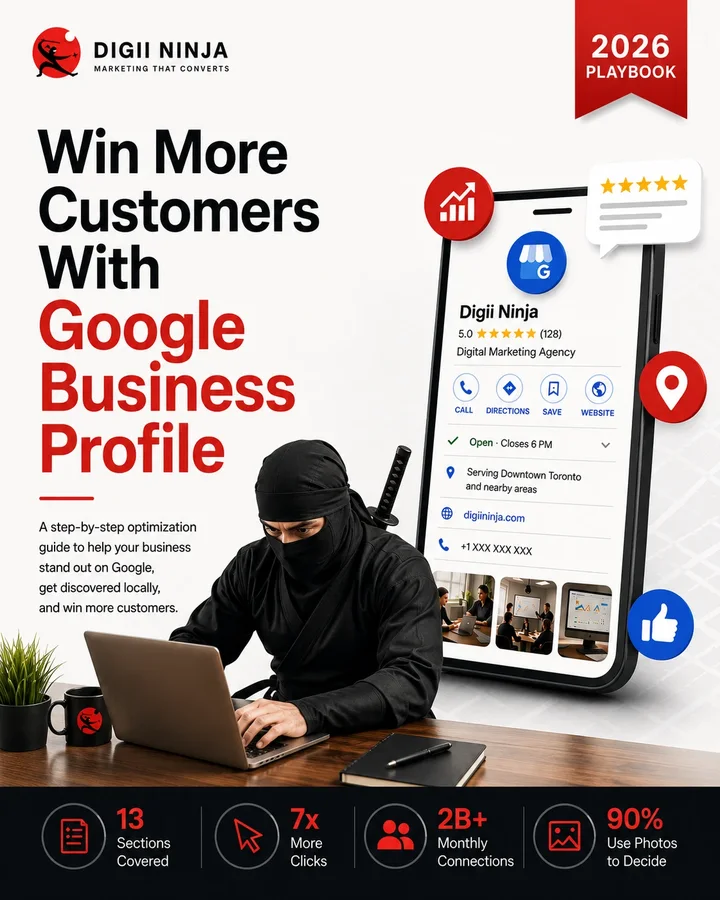
Get the free PDF playbook
The full 18-page 2026 playbook: a step-by-step guide to optimising your Google Business Profile. Enter your details and the download unlocks straight away.
Digii Ninja
A digital and product marketing agency helping service businesses, healthcare practices and B2B SaaS teams get found and get chosen.